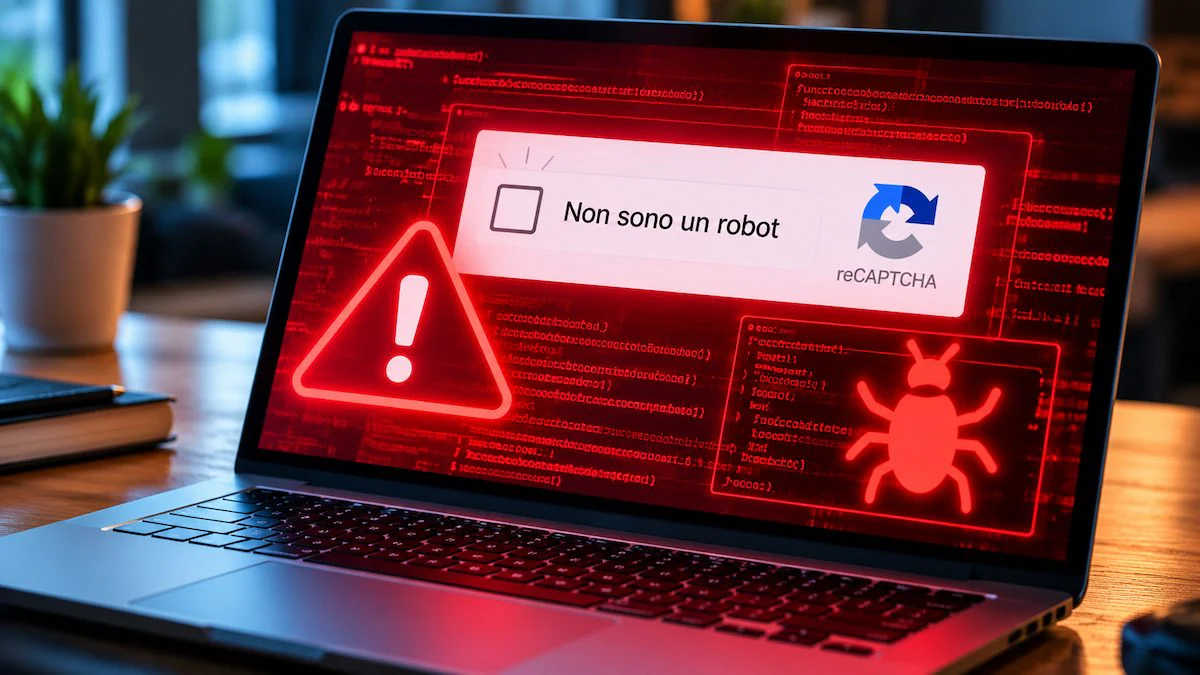
Some cyber criminals imitate CAPTCHA checks to trick users into executing malicious commands on the computer. Here’s how the ClickFix technique works, what signs allow you to recognize a false security check and what to do to protect yourself.
A site asks you to confirm Don’t be a robot. The screen looks like a normal one CAPTCHAbut after clicking on the checkbox an unusual request appears: press some key combinations to complete a supposed security check. By following these instructions, though, you might end up install malware on your computer, without even realizing it.
Also warning against this social engineering scam was the Federal Trade Commission (FTC)the US agency that deals with consumer protection, with a notice published in June 2026. Deception falls under the technique known as ClickFixalready identified in Italy. The danger comes not from the verification itself, but from the additional instructions with which cybercriminals try to convince users to execute malicious commands on their devices.
How the CAPTCHA scam works
CAPTCHAs are systems used by websites to distinguish people from automated programs. They can ask you to check a box, recognize certain elements in a series of images or, in newer systems, perform almost invisible checks while browsing. It is precisely the familiarity with these controls that makes the deception credible.
The fake CAPTCHA can appear on a page created by scammers, reached for example through a link received via email, or on a Legitimate site that has been compromised. The screen can imitate the appearance of known servicessuch as Google reCAPTCHA or Cloudflare Turnstile, and present the operation as an essential step to access content.
In one of the variations described by the FTC, the user is asked to press the key combination Windows + R to open the Windows Run window, then Ctrl + V to paste the contents of the clipboard and finally the key Sending to start the entered command. The crucial detail is that, in some campaigns, the site already has copied a malicious instruction to the clipboardoften without the person realizing it. The user thus believes they are completing a security check, while making the system execute a command prepared by the scammers.
The latter can take advantage of tools already present in Windowssuch as PowerShell, which allows you to run commands on the system, download and launch programs. Depending on the campaign, the result can beinstallation of software capable of stealing passwords and other sensitive informationor of allow unauthorized access to your computer. This is not necessarily a file that the user sees the browser downloading. Some operations may take place without immediately recognizable signals.
This mechanism is based onsocial engineering. Rather than necessarily exploiting a software vulnerability, cybercriminals convince the victim to perform the dangerous action themselves. The technique is not unique to Windows, but has been observed even on Macswhere instructions may invite you to open the macOS Terminal and paste a command.
An indication of the diffusion of ClickFix it also comes from the data of CERT-AGID: In the 2025the institution surveyed around 70 campaigns attributable to this technique as part of its monitoring of cyber threats in the “Bel Paese”.
How to defend yourself and recognize a real verification from a false one
The most important signal is not the box graphics, which can be reproduced easily, but what you are asked to do. Genuine checks take place within the site or browser and do not require you to open operating system tools, such as the Run window or PowerShell on Windows, or the Terminal on macOS, to paste and execute instructions.
Another alarm bell is the presence of difficult to understand text strings to copy or alleged repair procedures to follow to unblock navigation. Expressions like “security check” or “confirm that you are a person” do not make such a request reliable.
Context can offer other clues. A control that suddenly appeared, especially after an unexpected redirect, deserves attention. However, the address of an apparently legitimate site is not enough to exclude the risk, because some attacks have been distributed via compromised pages. Likewise, the presence of logos or colors associated with known services does not guarantee that the verification is authentic.
When faced with suspicious instructions it is appropriate interrupt the procedure and close the pagewithout copying or executing what is requested.
What to do if you clicked on the fake “I am not a robot”
Having viewed the screen or clicked on the box does not in itself mean that you have installed malware. In the variant of ClickFix described, the decisive step is the execution of the malicious command.
If the command has been initiated, it is prudent to consider the device potentially compromised even in the absence of obvious symptoms. The FTC recommends first disconnect it from the Internetto interrupt any communications of the malicious program with the outside world, and to run a scan with reliable security software, preferably already installed and updated. If you cannot verify that the malware has been eliminated, you should contact a qualified technician.
Since some programs spread through ClickFix are designed to steal credentials, it is also important change the passwords of the most important accountsas well as enable two-factor authenticationcarrying out these operations from another device considered safe. It is preferable to start from the main email inbox, which often allows you to regain access to other services. If you suspect that bank data has been stolen or you notice unauthorized movements, you should promptly contact the bank through its official channels.