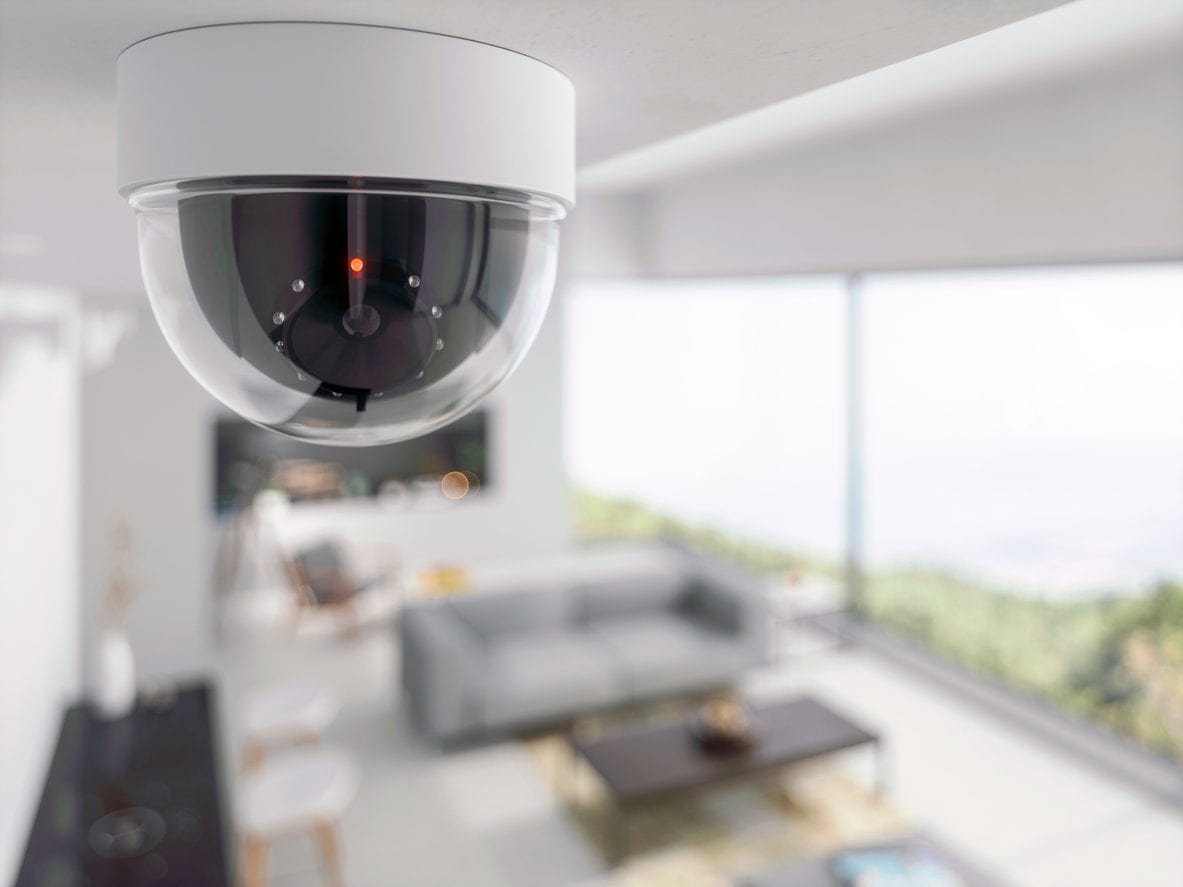
The Internet connected cameras They are increasingly present in our homes and we use them to increase safety and have constant control over the spaces that we consider most important. But what we often forget is that these devices, if configured badly or left with their unchanged “factory” settings, can return against our own security becoming easily accessible to IT criminals. A study published by Corriere della Sera claims that in Italy they are well 74,000 cameras freely accessible on the Internet.
Surprising fact, access to private cameras connected to the internet is perpetrated by cybercriminals not through sophisticated IT attacks, but exploiting various lightness and inattention committed by the users themselves. Very often, these do not modify the default credentials, keep remote access active without necessity or do not update the firmware, i.e. the internal software of the device that regulates its operation. These errors are enough to offer the mercy of anyone the images captured by their cameras. Let’s see more closely what happens When the connected cameras turn into a threat to privacy And above all, How to defend yourself.
What are the dangers of the connected cameras
THE risks There are numerous exposure. Think, for example, of a camera positioned at the entrance of the house: an attacker could use it to understand when you are absent and try a theft. Or think of an internal webcam that resumes the living room: in this case they could be captured scenes of private lifeeven intimate moments (as the case of the conductor Stefano De Martino demonstrates), with the risk of ending up victims of blackmail Or other unpleasant situations. In the office, the situation is not better: a video camera that frames a blackboard with confidential data or the workplace of an employee could accidentally disseminate sensitive information useful for competition. The production plants are not immune, because badly configured cameras can show procedures protected by industrial secret.
To these aspects is added the problem ofsocial engineeringthat is, the collection of small details on the lives of people to be used later to perpetrate targeted attacks. Through the recorded images, a criminal can discover the model of your car, the name of the dog or the presence of children at home, information that, combined with each other, become precious to create convincing scams or real identity thefts. It should not be forgotten that visual data can also support phishing activities, i.e. e-mails or deceptive messages built on the basis of real information concerning you.
How to protect yourself from the dangers of connected cameras
How to do for then protect? First of all, we suggest you Check if the camera can be reached from outside the home network. To succeed, just deactivate the Wi-Fi on the smartphone and try to connect: if the video flow is visible without going from an official app or from an VPN connection (virtual private network that hides the IP address), it means that the camera is potentially exposed. The second step is Change the default credentials immediately. Devices often arrive with username and password (such as “Admin/Admin“O” admin/password “) that anyone can guess. A long, complex and unique password is the simplest and most effective size to increase safety.
Another crucial point is Disable remote access if you don’t need. If you use the camera only when you are connected to the home wi-fi, there is no reason to make it reachable from the internet. Don’t forget about update the firmware: manufacturers periodically release safety corrections, and ignoring them means leaving known vulnerability open. For those who manage corporate networks, the measures must be even more rigorous: limited access via firewall, constant monitoring of logs and mandatory use of VPN for authorized personnel.
Last but not least, there is a good practice that is often neglected: isolate the cameras on a separate Wi-Fi networkfor example that of guests, so that a possible compromised device cannot interact with the rest of the home network.
