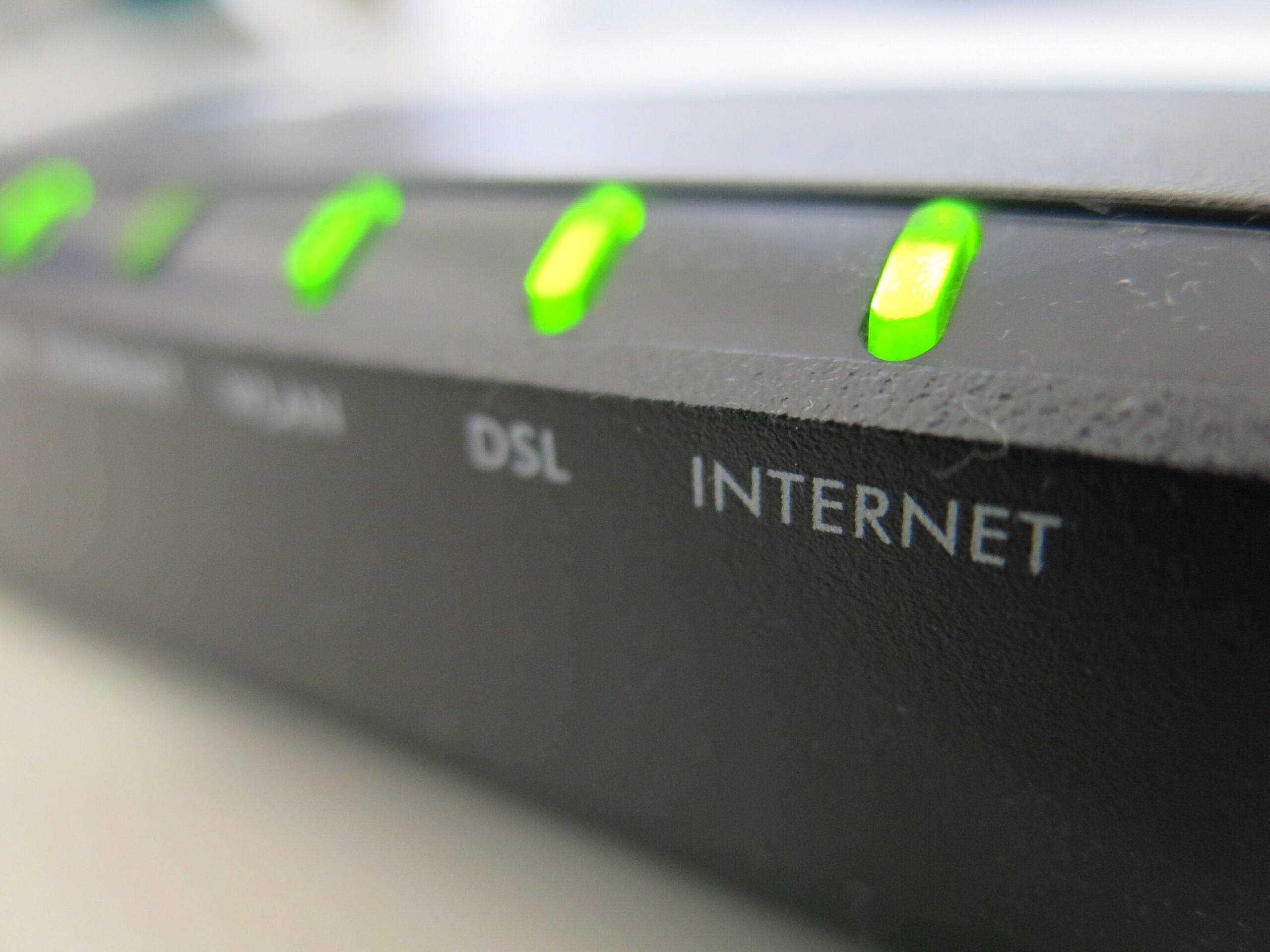
The frustration that comes with having a unstable or excessively slow Internet connection it’s an experience that we’ve all experienced from time to time, at least once. And when this issue interferes with our daily activities, such as work video calls or streaming a movie, frustration can skyrocket. When this happens we tend to immediately blame our Internet service provider, what in the jargon it is called ISP (Internet Service Providers), but often most of the “bottlenecks” occur within the home and can be resolved with targeted interventions that do not require the assistance of a technician. In this in-depth analysis we will analyze how local network congestion, incorrect hardware positioning, device obsolescence and interference are in many cases the real culprits to look for. Let’s see, then, because Wi-Fi is sometimes slow and let’s try to review real causes and simple solutions with which to try to resolve the situation.
The number one suspect: the router
Let’s start by analyzing the most immediate and effective solution, which although it may seem banal is sometimes decisive: the hardware reboot. Our modems and routers are in effect small computers that manage a constant flow of data; Over time, their memory becomes saturated and errors can occur in background processes. To perform a complete reboot, in addition to turning off the device using the on/off button, unplug it from the power supply, wait about 60 seconds and then plug everything back in. In this way it is possible to eliminate small software conflicts that may have accumulated over time and which, at least potentially, could be one of the causes of slow Wi-Fi.
Home network congestion
If restarting the modem/router does not solve the problem, we must consider the home network congestion as one of the possible causes of slow connection. Imagine your connection like a highway with a limited number of lanes: if too many devices try to transmit data at the same time, a “traffic jam” is created. This can happen, for example, when video streaming, update downloads and video calls are combined at the same time. To mitigate this phenomenon it is possible to act on the router settings, in particular on QoS (Quality of Service). This feature, present in some modern modem/routers, allows you to establish priorities, for example allowing data from a video conference or a streaming service to take precedence over a download in the background. It’s not a definitive measure, but it can definitely help.
Interference and radio waves
Another critical factor is the physics of radio waves. A weak Wi-Fi signal is often caused by a incorrect positioning of the router or interference. The construction materials of our homes, such as reinforced concrete, or the presence of other electronic devices, can shield or disturb the signal. We must place the router in a central and elevated point of the house, away from obstacles. Understanding frequencies also comes into play here: modern routers usually operate on two bands, 2.4 GHz And 5 GHz. The 2.4 GHz band has longer range and passes through obstacles better, but is slower and subject to interference (including from microwave ovens, baby monitors and other objects that interfere with Wi-Fi performance). The 5 GHz band is much faster and more powerful for gaming or streaming, but has a shorter range. Ensuring high-power devices are connected to the 5GHz band is a critical step in improving performance. Also change Wi-Fi radio channel it can be useful, especially for those who live in condominiums and densely populated areas, where wireless networks proliferate and could create quite a few conflicts.
The integrity of network cables and software
We must not neglect theinternal physical infrastructure. We often assume that network cables are in good condition, but loose, excessively bent, or damaged Ethernet or coaxial cables (perhaps from our pets) can degrade the signal or cause intermittent disconnections. A visual inspection and replacement of worn cables is a necessary maintenance operation. Likewise, the problem may not be the network, but the device we are using. Computers with outdated network drivers, too many open applications, or hidden malware can slow down your browsing regardless of line speed. If the slowness only occurs on an old tablet and not on the new PC, the bottleneck is almost certainly in the outdated hardware, not in the Wi-Fi.
