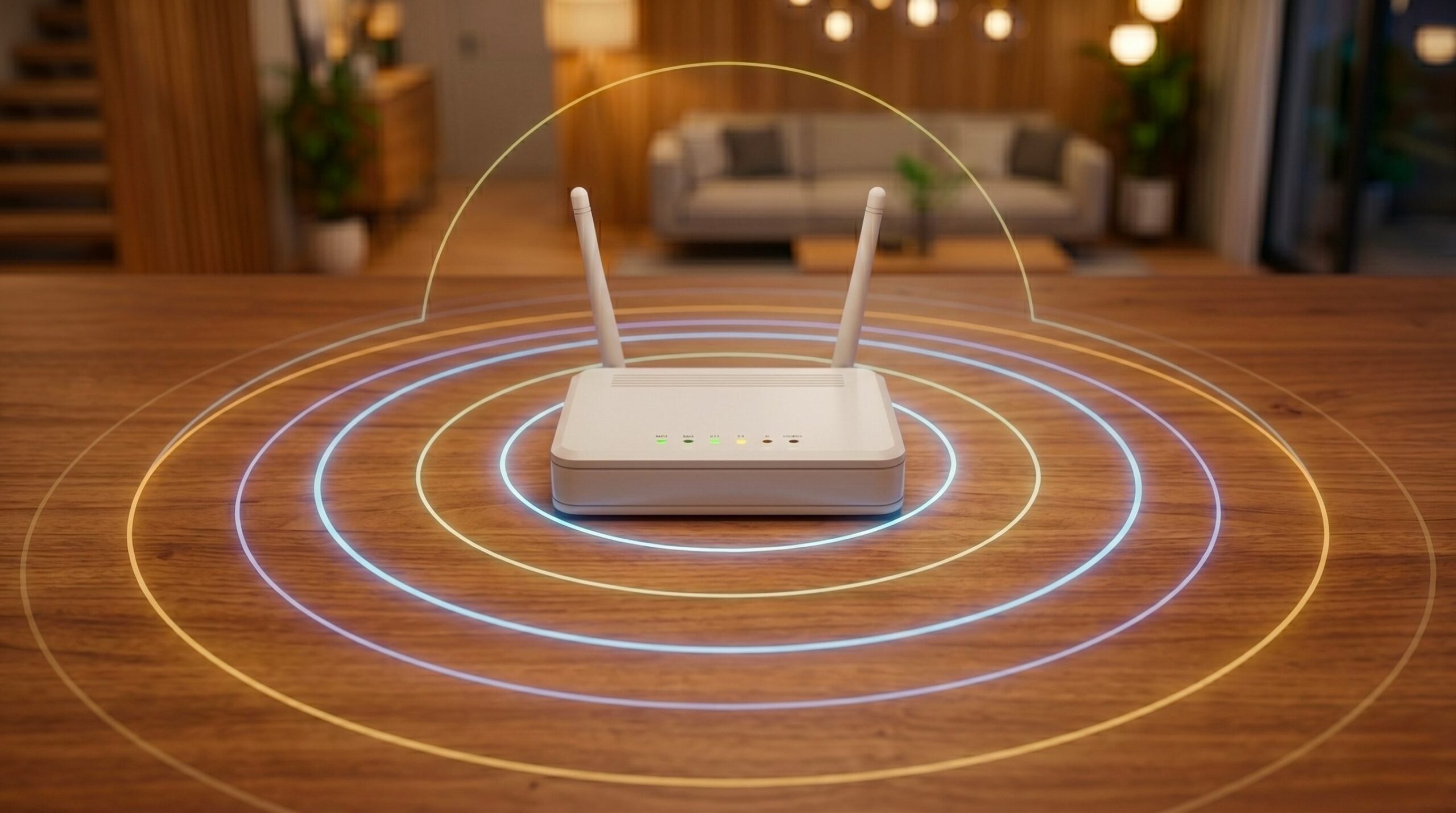
Place correctly the Wi-Fi router at home can have a serious impact on the quality of our home connection. If we want every room in the house to receive a stable and sufficiently powerful signal, we must consider carefully where to place it and how to orient the antennas.
Ideally, the router should be located in a central point, away from thick walls, bulky furniture and electronic devices that can generate interference. Lifting it off the ground and by placing it on a shelf or table, we allow the omnidirectional antennas to radiate better, reaching every corner of the house. At the same time, avoiding closed spaces such as closets or cupboards reduces the risk of overheating and signal loss. If we live in a multi-storey house or with large rooms, a mesh Wi-Fi system can extend coverage evenly. Even small details, such as not placing your router near microwave ovens, cordless phones, or Bluetooth devices, help achieve maximum network stability.
Placing the router in a central location: why it matters
When we talk about router placementwe need to consider how wireless signals are transmitted. Omnidirectional antennas, common in home routers, spread the signal in all directions horizontally, but with limited vertical influence. This means that a router placed on the ground or hidden behind objects can see its range drastically reduced. To optimize coverage, it is advisable place the router at a height of approximately 40-60 centimeters from the groundso that the signal is on the same level as the most used equipment, such as computers, tablets and smart TVs. Orient the antennas vertically (especially if you want to cover the area on the same floor where the router is positioned) favors the uniform diffusion of the signal, while positioning them in open spaces reduces interference and allows the signal to pass through the rooms more easily. There distance from external walls is fundamental: a router placed against an external wall will transmit less effectively towards the more internal areas of the house, creating dead spots where the signal arrives rather weakly.
The physical obstacles and the sources of interference they play a crucial role in the quality of the connection. Thick walls, metal furniture, and aquariums can significantly reduce Wi-Fi signal strength. Energy-intensive electronic devices, such as microwave ovens, wireless speakers, and cordless phones, emit radio signals that can interfere with transmission. Avoiding placing the router near these objects, or at least maintaining a certain distance from them, helps preserve the integrity of the signal. In complex environments, such as two-story houses, place the router in the center of the main floor allows for a more uniform distribution of the network.
If the area to be covered is too large for a single router, however, adopt mesh Wi-Fi systems it becomes practically obligatory. What is it about? Mesh Wi-Fi systems are networks made up of a main router connected to one or more “satellites”, i.e. devices designed to extend the coverage of a single wireless network. Within this configuration, devices automatically connect to the node – be it the router or a satellite – that offers the strongest signal in the area in which they are located. Satellite nodes can be strategically placed in different locations to optimize the signal, reducing or eliminating areas of the home (or office) without a Wi-Fi connection.
The benefits of placing your router in a central area of your home
Proper router placement can lead to several advantagesgiven that this aspect directly affects the connection speed and on stability of the home network. Eliminating even a single wall between your router and your workstation can dramatically improve performance. Placing it away from closed spaces, such as wardrobes or cupboards, avoids overheating and signal loss. By lifting it onto shelves or high shelves, the signal can propagate more easilyreducing dead zones and high latency points. Maintaining a clear line of sight between the router and the devices we usually use allows for a more stable reception for smartphones, tablets, computers and smart home devices. By following these precautions, we can obtain optimal performance without having to structurally modify the network or purchase additional equipment.
