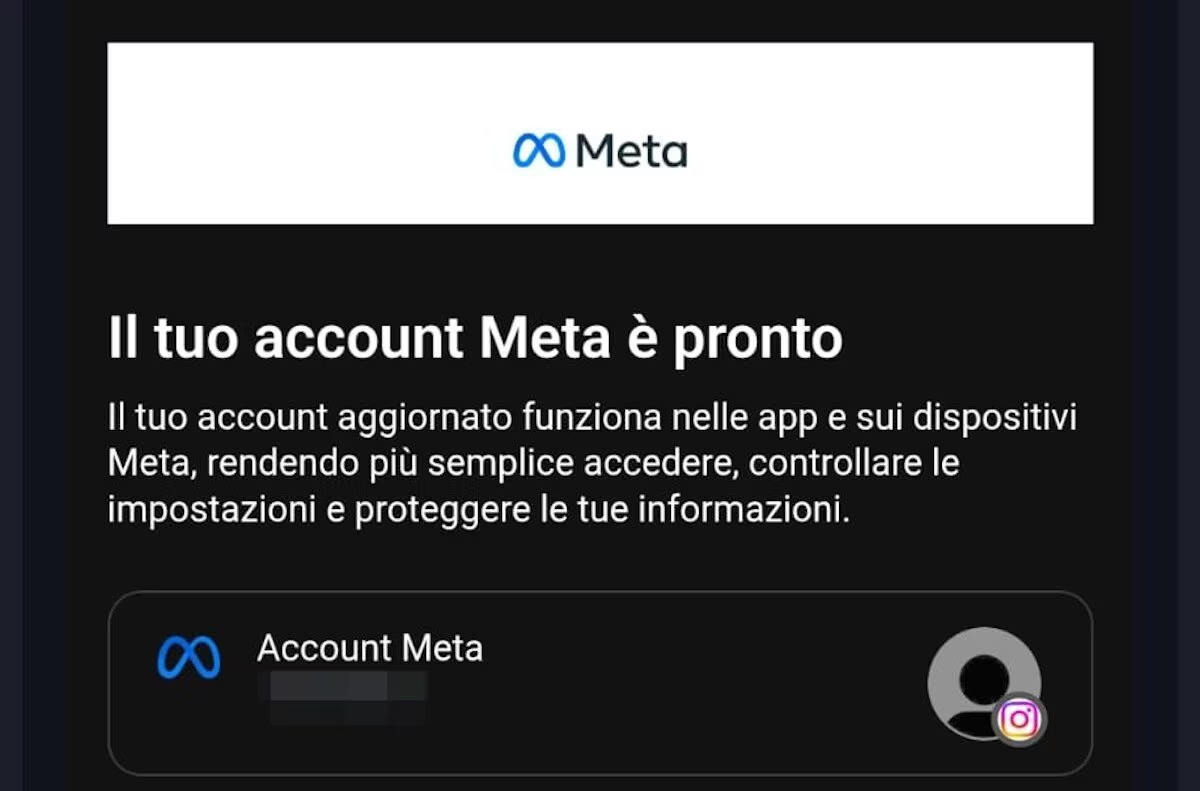
The migration procedure is automatic and does not require any action from the user. If you receive an email telling you otherwise, trash it: it doesn’t come from Meta.
If you are registered on Facebook, Instagram or some other social network in the Meta group and in recent days you have received an email which the object stated «We have migrated you to a Meta account»you’ve probably wondered why this message.
To make a long story short, the email is the consequence of an announcement made by Meta last April with which the company developing the social networks mentioned above informs users of a change in the system used to access their platforms and manage its settings.
There migration will take place automatically and will make it easier to manage accounts from different platforms in one place.
What is Meta Account and why are you receiving this notification?
To understand what is happening, we need to start from Account Management Centera section present in the settings of Meta applications, such as Facebook, Instagram and Threads. Through this tool it was already possible connect different profiles together and manage some common preferences. With the new update, however, this function is progressively converted into a Meta Accountsdesigned for bring account management together in a single space and the company’s devices, including Threads, Messenger, Meta AI, smart AI glasses and Meta Quest headsets. The distribution of this innovation is happening gradually and, when your turn comes, you are informed via an email similar to the one you see in the screen at the bottom of this chapter or with a notification directly in the reference application.
Migration is automatic. The email delivered by Meta is for informational purposes only and this means that the user affected by the change is not required to take any action: there is no need to download new applications, fill out forms or confirm the operation by clicking on external links (keep these details in mind because we will return to them shortly). Furthermore, in the new Meta Account they come initially only the profiles that the user had already associated with the Account Management Center are transferred. Just to give an example, if you had connected Facebook and Instagram, you could find them both in the new section without having to intervene. Of course, this does not mean that the two profiles become one and, therefore, do not worry: your Instagram followers will not automatically be added to Facebook friends and vice versa.
What changes for your Facebook and Instagram profiles
The main change concerns the way in which you can manage the settings. Rather than acting on each application separately, from the Meta Account, once the migration is complete it will be possible to centrally administer several personal information, advertising preferences and security options and also decide which data to share between connected profiles and which ones to keep separate instead. This centralization allows, for example, to standardize some information, such as date of birth, and certain preferences relating to the customization of adverts shown in stories and reels.
Another possibility concerns the login credentials. With the Meta Account you can choose to use a single password for connected applications and devicesas well as using le passkey. Clearly you are not obliged to do this, it is simply a possibility: you can also continue to use different passwords for each service.
What about WhatsApp?
The more attentive of you may have noticed that so far we have mentioned Instagram, Facebook and even Threads, but not WhatsApp. It is not an oversight, since, at least for the moment, WhatsApp remains excluded from the migrationunless it was already connected to the Account Management Center or you decide to associate it manually.
Beware of fake emails that imitate Meta communication
Before closing we want to return to the question of the actions to be taken to complete the migration of the Meta account. Well, as we have already told you before, you do not need to do anything at all to complete the procedure. If you receive an email saying otherwise, be very careful because it is certainly a scam. If you’re wondering how you can distinguish authentic communication from a possible phishing attempt, it’s simple. The moment the message invites you to perform a specific actionsuch as downloading an app or a file, clicking on a link, filling out a form or other similar things, evidently the message does not come from Meta. And if you wanted to do the “litmus test” it would be enough to analyze the address from which the message comes: if it arrives from an address other than [email protected] the email definitely comes from a scammer.
The only action (if we can define it that way) that we invite you to do to ensure that the migration procedure is successful is Verify that your recovery email and phone number are up to date and, if you haven’t already done so, set a secure password, activate two-step verification and the passkey function, which allows you to authenticate via fingerprint or face recognition in a simple and secure way.