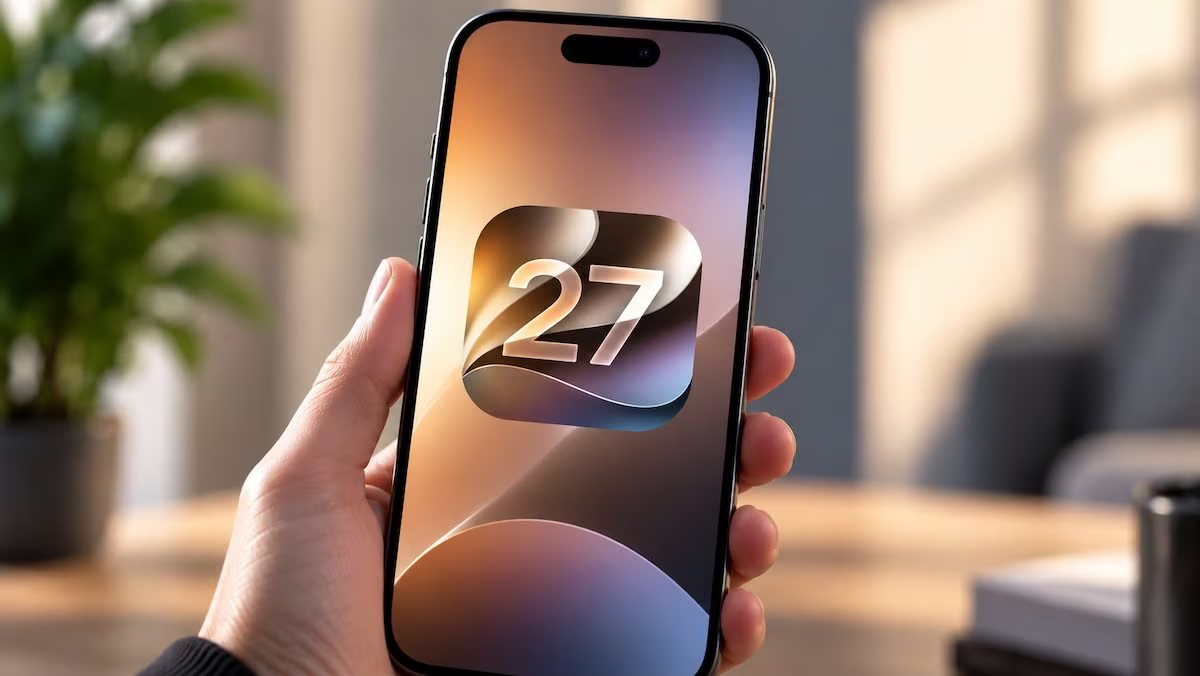
iOS 27 arrived on iPhone compatible together with several new features, but a bugs capable of rendering the phone is temporarily almost unusable. The malfunction does not appear during normal use, but can be triggered by a very rapid succession of gestures. It is resolved by forcing the device to restart.
The phenomenon is also circulating on social media as a sort of joke to play on friends, because once activated it can prevent you from scrolling correctly between the Home screens and make taps and swipes unreliable. However, this is not permanent damage or a truly “bricked” iPhone: the anomaly concerns the software and the device can return to functioning normally.
How the iOS 27 bug is triggered and what happens
The anomalous behavior occurs when interacting with two operating system panels almost simultaneously. From the Home screen you need to start opening the Notification Center with a swipe from the upper left corner and, before the animation is finished, immediately invoke the Control Center from the top right corner. By then closing the latter, in some cases iOS can enter a state in which several commands no longer respond as they should. The sequence requires no physical keys or changes to settings: it just uses elements already present in the interface.
Among the symptoms observed, some lock screen controls, such as those for the camera and flashlight, may remain fixed at the top of the display. The most obvious sign, however, is the difficulty moving between the various Home pages. Even when entering apps, taps may not register correctly and it becomes difficult to interact with buttons and other graphics.
The anomaly can even involve the normal shutdown procedure, because the dedicated cursor can stop responding to the swipe. Turning the iPhone off and on again in the usual way, therefore, is not necessarily possible when the defect appears.
The succession of gestures must however be performed with a pretty precise timing. In the reported tests, the behavior was reproduced within two or three attempts on an iPhone Air with iOS 27.0: if the two actions are not chained together quickly enough, the bug may not activate.
Because the device is not really “bricked”
Defining the iPhone as “bricked”, however, is not entirely correct. Indeed, the device remains turned on and it is above all the touches and some interface elements that stop responding normally.
The situation can be described as a soft locki.e. a temporary block caused by the software. It is a different condition from a real one brickwhich indicates a much more serious problem, in which the phone can no longer boot or function normally and may require more invasive recovery operations.
Similar behaviors have emerged on iOS in the past, which can be activated through particular combinations of touches or gestures, sometimes even more complex. In this case, however, two actions performed in rapid succession are sufficient.
The precise technical cause has not been clarified publicly. The flaw appears when the two panels are called almost simultaneously, before the initial animation has come to an end, but this is not enough to establish which internal component of iOS is responsible.
Furthermore, the problem It’s not just about iOS 27.0but it was also reproduced on the first beta of iOS 27.2. This means that, at least in the versions in which it has been verified, the behavior has not yet been eliminated.
At the moment Apple has not said if or when the resolution will arrive for the bug, at least not publicly, so it is not possible to know in which update a possible fix could arrive.
How to unlock iPhone if it is unresponsive
If the problem has already manifested itself and the on-screen controls don’t work, you need to force restart the iPhone. This is not a factory reset, but simply serves to restart iOS without deleting or reconfiguring the device.
The difference compared to traditional shutdown is important. Under ordinary conditions, on recent models you have to bring up the cursor on the screen and drag it to turn off the phone. A forced restart, however, can be performed without having to interact with the displaya useful feature precisely when the touchscreen does not respond as expected.
On models with Face ID indicated by Apple, this is necessary Quickly press and release Volume Upimmediately do the same with Volume down and finally press and hold the side button. The pressure must be held until the Apple logo appears on the display and it may take more than ten seconds.
Once complete, your device should return to responding normally. This procedure, however, it doesn’t fix the bugbut it only serves to exit the soft lock. The same sequence of gestures could therefore trigger the problem again.