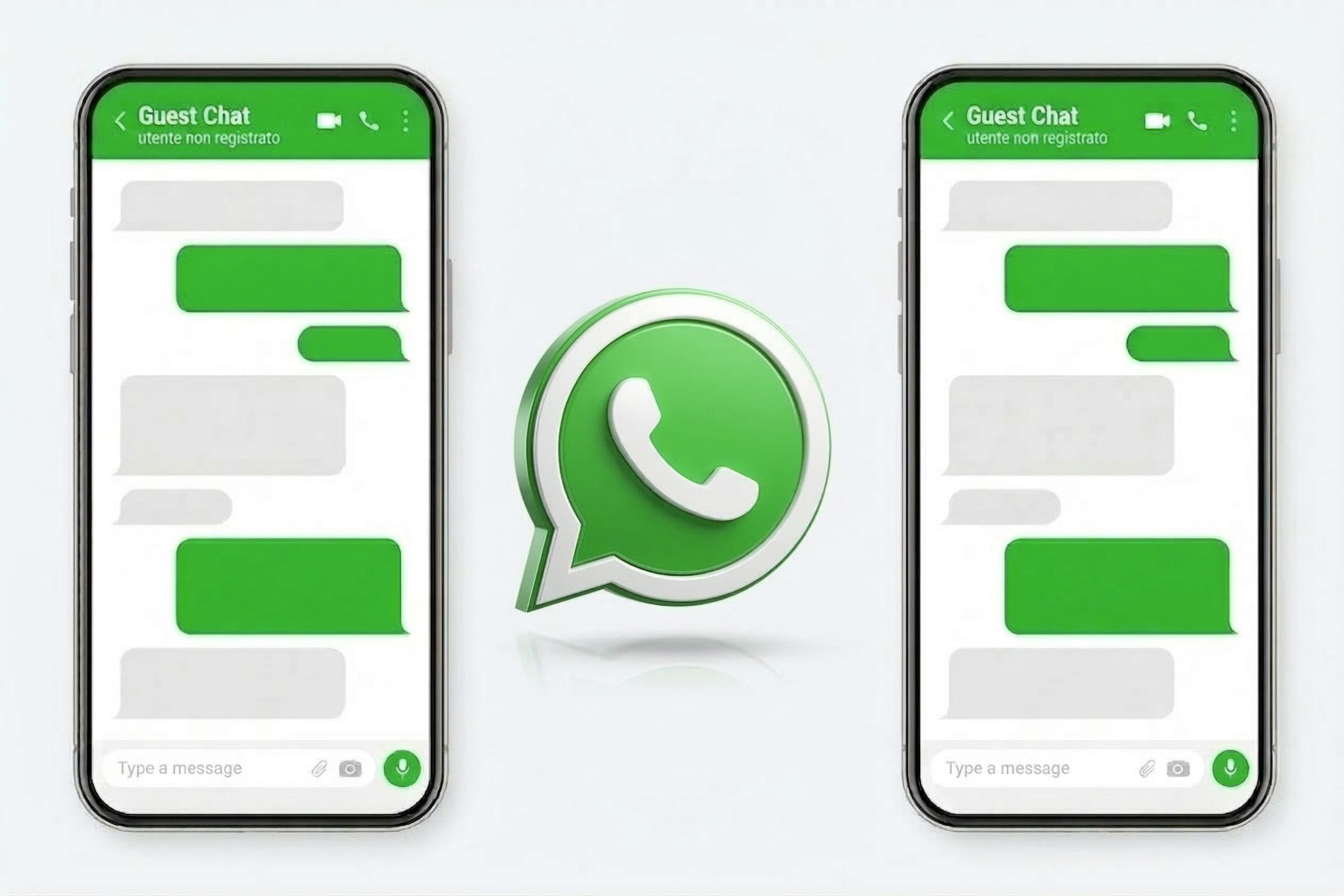
WhatsApp is experimenting with a new way of communicating with people who are not yet registered on the platform: the so-called “guest” chati.e. temporary conversations in which you can participate without having an account. The idea is simple but potentially very impactful: those who use WhatsApp will be able to generate a invitation link and share it with an external contact, allowing them to enter the conversation directly from the browser, without installing the app. In this way the messaging platform owned by Meta tries to reduce one of the main barriers to entry into digital services: the need to create an account before even being able to try the service. With this system, however, whoever receives the link can immediately start writing as a guest, using a Web version of the chat. The feature was spotted in August last year by WABetaInfo (a portal that uncovers new WhatsApp features being tested), which has now been discovered is in the testing phase distribution to a group of beta testers on Android and iPhone.
How guest chats work on WhatsApp
The how guest chats work on WhatsApp it is conceptually simple. Anyone who has a WhatsApp account can generate a invitation link from the contacts section or from the option “Invite a friend”. This link can be sent via SMS or copied and shared with other tools, such as email or third-party messaging apps. Once the invitation has been received, the recipient opens the link from their browser (on their smartphone or computer, it doesn’t matter) and can choose whether to download the app or continue as a guest. If you opt for this second option, a conversation is opened through WhatsApp Webthat is, the version of the service that works within the browser without the need to install additional software. At this point the system asks the user to enter a name (which can also be a pseudonym) as long as it is recognizable for the other person.
On the technical side, guest chats also use the end-to-end encryptionthe well-known security technology that protects messages during transmission from one device to another. With this system, the contents are transformed into data that can only be deciphered by the devices of the participants in the conversation. Not even WhatsApp can read the contents of the messages exchanged, even if they are “guest” chats. When a guest accesses the chat, the platform generates a unique identifier which is used to create the cryptographic key necessary for secure communication. Users can verify that the conversation is indeed protected by comparing a security code or scanning a QR code.
WhatsApp has provided control tools for those who send the invitation. The user can block a guest exactly as it would with a normal account: just open the chat, access the contact information and select the block option. After this operation the guest will no longer be able to send messages in that conversation.
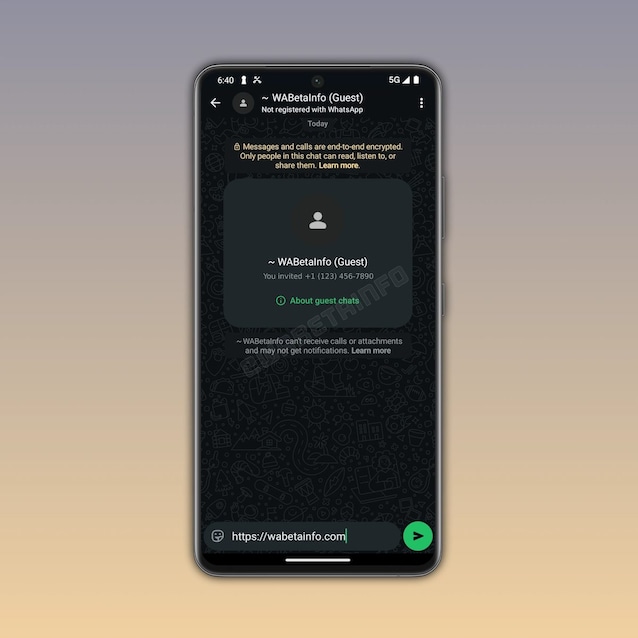
The limits of guest chats
However, there are some important differences compared to “normal” WhatsApp chats. First of all, the guest does not have a verified account: WhatsApp cannot therefore guarantee with certainty that the person who opens the link is really the one it was intended for. If, for example, the invitation is sent via email and a cybercriminal has access to the inbox of the email account without the recipient’s knowledge, he or she could enter the conversation and attempt an attack on the WhatsApp account that created the chat. For this reason it is advisable to verify the identity of the interlocutor before sharing sensitive information.
Furthermore, guest chats, being by definition conversations exchanged with “occasional” users, do not support some popular WhatsApp functions, such as group chats and the exchange of multimedia content: photos, videos, documents, GIFs, stickers, voice messages, etc. Voice and video calls are also not feasible from guest accounts. In addition to this, if a chat with a “guest” user remains inactive for ten days, it is automatically deactivated. To resume the dialogue you will need to create a new invitation link. Guests also may not receive notifications for new messages, so they have to manually check the conversation for updates.
