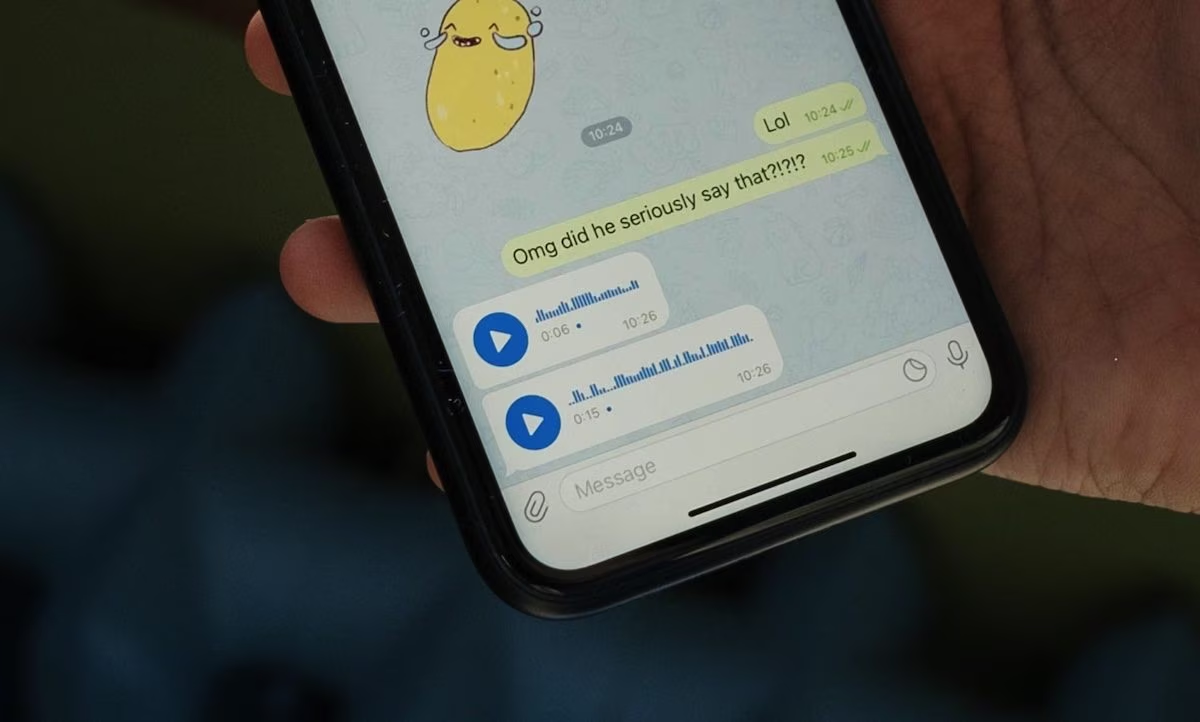
By default, Telegram it doesn’t secure our conversations with end-to-end encryption (a cyber protection system in which only the sender and recipient have the keys to decode and read the texts, making them invisible to everyone else, including the app developers). Traditional chats, groups and channels instead use a proprietary protocol called MTProto 2.0 with client-server encryption. This mechanism encrypts data en route from our device to Telegram’s servers, but stores it on their clouds, allowing the platform to access it in the event of legal requests, government pressure or cyber attacks.
For transform this platform into a truly protected environment and preserve your personal information, you must manually configure a series of security options integrated into the application. Let’s see which ones.
Enable secret chats
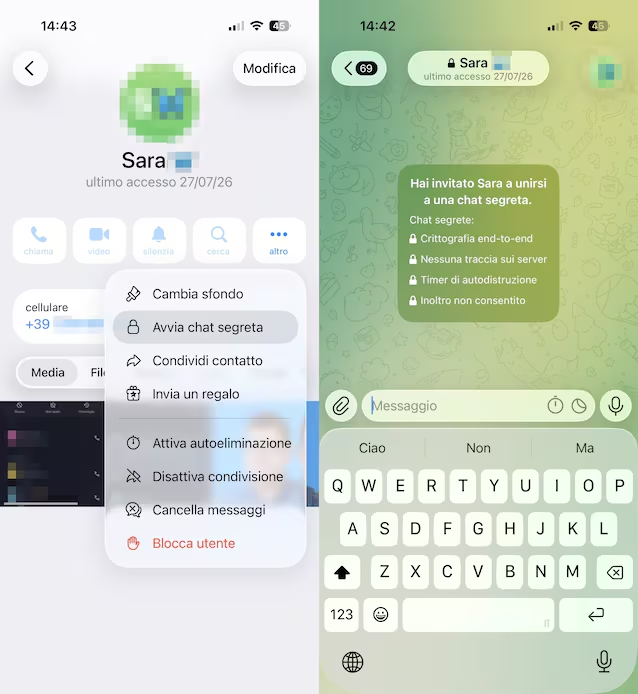
If you want the guarantee that no one can intercept your messages on Telegram, you absolutely have to start a “secret chat”. Unlike standard conversations, this mode enables true end-to-end encryption by exchanging encrypted keys between the two phones. To do this, open the chat with a contact, touch theirs name at the top, select Other and press on Start secret chat. This, in addition to enabling end-to-end encryption, which leaves no trace on the platform’s servers, enables the self-destruct timer and inhibits the forwarding of messages in the chat.
Enable two-step verification
A fundamental level of protection is obtained by enabling two-step verificationa system that requires a personalized password in addition to the temporary code sent via SMS to access the profile. To activate this setting, you will have to go to the section Settings of the app, select the option Privacy and security and click Two-step verification. Then touch Set additional passwordprovide the password in question in the fields Password And Repeat password and confirm with a tap on Create password. Once the procedure is completed, the password will be requested when you log in on a new device (in addition to the code that will be provided to you via SMS).
Turn on auto-delete messages
A particularly useful function of Telegram, which allows you to preserve your privacy as much as possible and at the same time carry out regular cleaning in chats, is that relating toauto deletion of messages. This setting can be activated by going to the section Settings > Privacy & Security > Auto-Delete Messages and choosing one of the predefined options (After a day, After 1 week or After 1 month) or by setting a custom periodfrom a minimum of 1 day up to a maximum of 1 year.
Hide your profile data from strangers
We close with a small overview of information from your Telegram profile which you may decide to hide from those who are not among your contacts or from others. We’re talking about data like the telephone numberthelast seen and onlinethe profile photothe organicetc. Going in Settings > Privacy & Security and by touching one of the items we have just mentioned from time to time, you can decide to show this data to Nobody or My contacts applying, if necessary, some exceptions (which can include individual users or entire groups).